Website to Text
Convert public webpages into clean plain text or Markdown.
Paste a public URL, get clean plain text or Markdown back. No signup, nothing stored, and refreshingly strict about what it won't touch, no login walls, paywalls, cookies, or private networks.
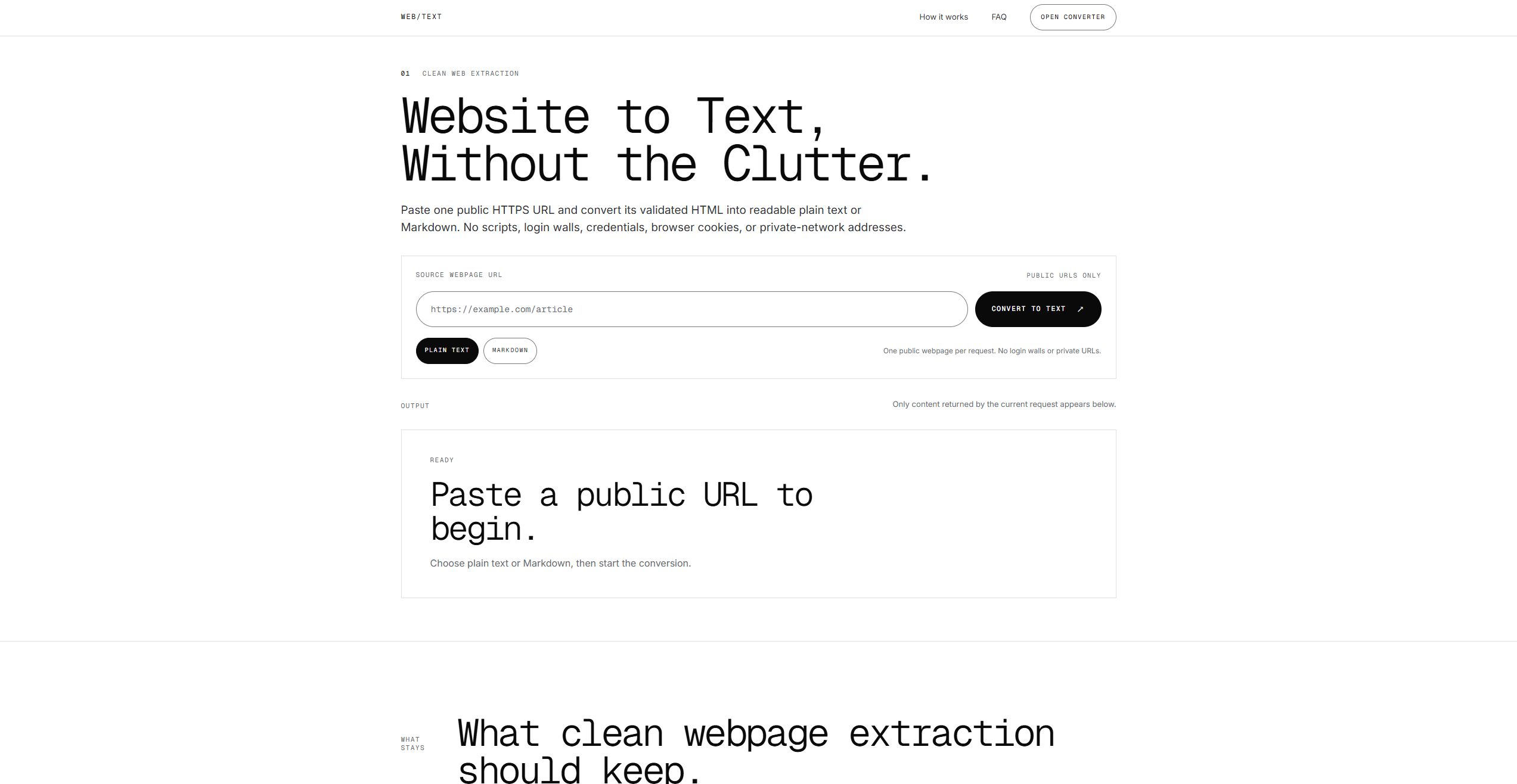
Website to Text does one job cleanly: paste a single public HTTPS URL and it returns the page as readable plain text or Markdown. Plain text suits quoting, notes, accessibility tools, and feeding a page into an AI workflow; Markdown preserves headings, lists, links, tables, and code when that structure carries meaning. It’s a quick way to strip a page down to its readable content without saving it or setting anything up.
What stands out is how carefully it draws its boundaries. After URL and redirect checks, a Cloudflare Worker fetches the page with JavaScript and subresources blocked, and it explicitly rejects login walls, credentials, cookies, paywalls, CAPTCHAs, private-network addresses, and cloud-metadata destinations. It’s built for user-requested access to genuinely public pages, not for bypassing controls or mirroring sites, and it says so plainly.
It’s honest about its limits too: navigation, ads, and page chrome may remain depending on the source, there’s no main-content-only toggle, and JavaScript-only pages can fail since only static or server-rendered HTML is converted. Nothing is persisted, each request handles one page, and copy or download stays in your hands. A focused, privacy-respecting utility rather than a scraper.
What we like
- Free, no account, and nothing about the page is stored afterward
- Outputs plain text or structure-preserving Markdown
- Deliberately refuses paywalls, logins, and private URLs by design
What to watch
- JavaScript-only pages may fail, it converts static or server HTML
- One public page per request, no crawling or bulk conversion
Try Website to Text
Free · Free tier available.
Visit Website to Text →