LocalVeil Studio
Offline screenshot redaction, watermarking, and metadata cleaning, without uploads.
A local Windows app that redacts screenshots, PDFs, Word, and Excel without ever uploading them. Free watermarked preview to try, then a one-time $29. Honest about its own limits, too.
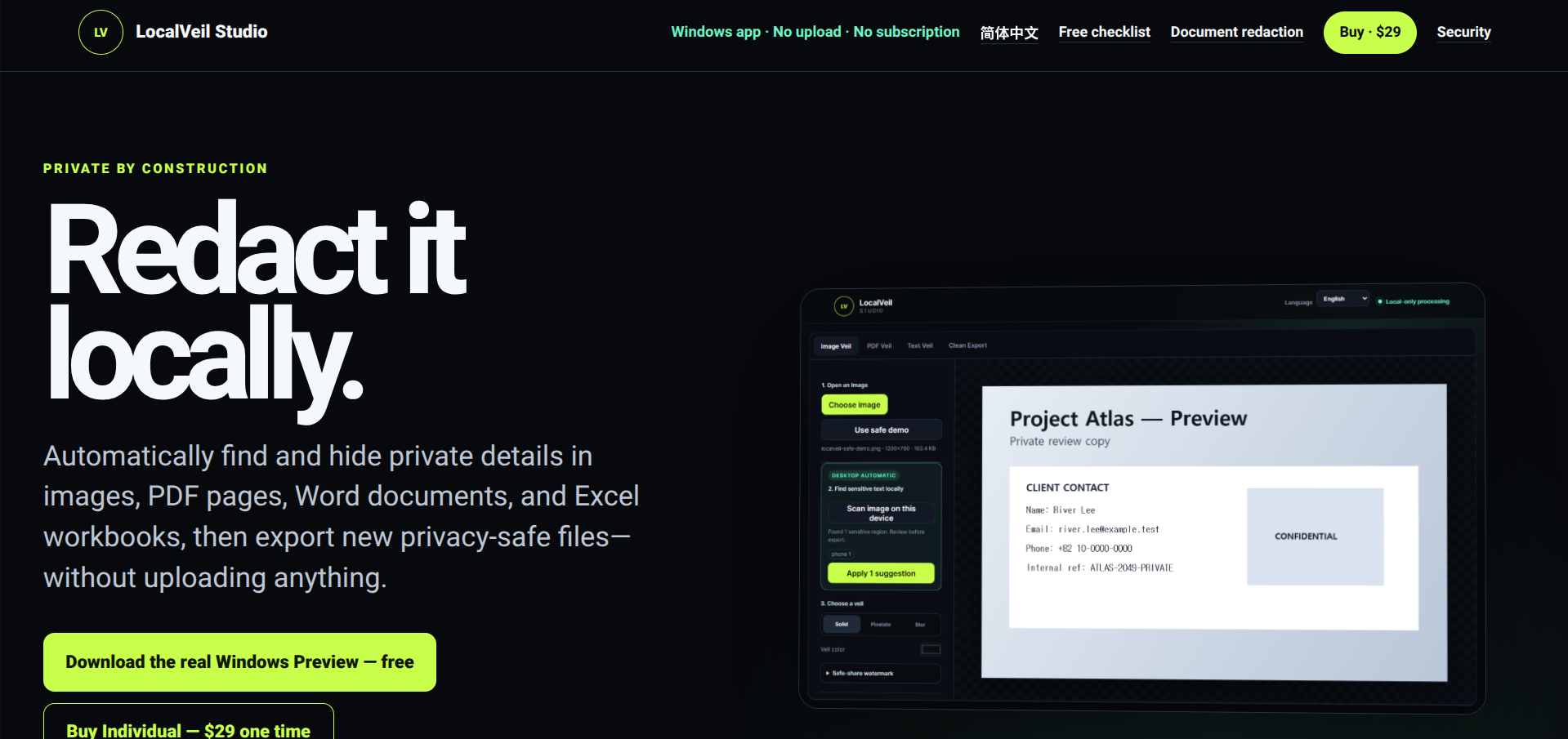
LocalVeil Studio is a Windows desktop app for redacting sensitive information out of screenshots, PDFs, Word documents, and Excel workbooks, entirely on your own machine. Nothing is uploaded: OCR, detection, masking, and export all run inside the installed app, with no account, API key, analytics, or cloud storage involved. Originals are never touched; it rebuilds clean copies as fresh files with the metadata stripped.
The toolkit covers image masking (solid, pixelate, or blur), page-by-page PDF redaction that flattens out the original text layer, and redacted DOCX and XLSX copies that also catch comments, headers, and hidden worksheets. A free watermarked Preview is the actual app rather than a mockup, so you can open real files and see the workflow before paying.
It’s unusually candid about its own boundaries, which is a good sign in a privacy tool. It tells you solid masks are safer than blur for real concealment, that automatic detection still needs a human review pass, and that it’s a practical aid rather than a compliance guarantee. It publishes a SHA-256 release hash and scan results so you can verify the download, and pricing is a one-time $29 for an individual, with Team ($249) and Agency ($499) licenses for internal multi-seat use.
What we like
- Fully offline, no uploads, accounts, or cloud dependency
- Free watermarked Windows preview runs the real app before you buy
- Publishes a SHA-256 hash and scan results so you can verify the download
What to watch
- Windows only, no Mac, mobile, or browser version
- The beta is unsigned, so Windows SmartScreen may warn on first run
Try LocalVeil Studio
From $29.
Visit LocalVeil Studio →