Excel to Markdown
Convert spreadsheets to Markdown locally in your browser
A no-upload, no-account converter that turns XLSX, XLS, or CSV files into clean Markdown tables entirely in your browser, useful for READMEs, docs, and AI prompts.
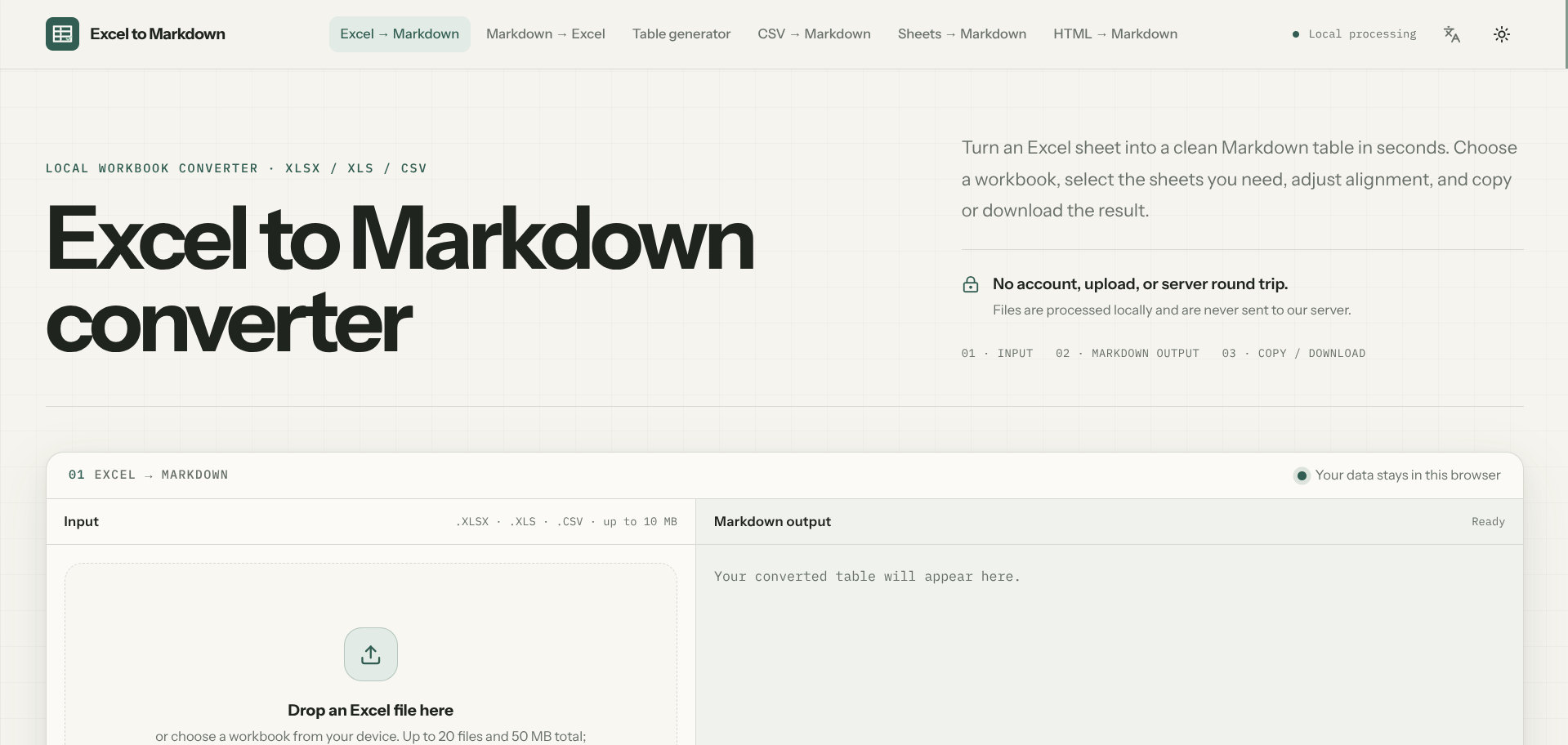
Excel to Markdown does one job well: turn a spreadsheet into a clean Markdown table without uploading it anywhere. Drop in an XLSX, legacy XLS, or CSV file up to 10 MB, pick which sheets you need, adjust header and column alignment, and copy or download the result. Everything runs locally in the browser tab, so the workbook itself never touches a server.
It’s upfront about the tradeoffs of moving from a spreadsheet’s data model to Markdown’s simpler one. Formula cells convert to their last displayed value rather than being recalculated, merged cells get flattened with a warning so nothing is silently lost, and things like charts, macros, and conditional formatting are deliberately left behind. The site also has a companion table formatter for cleaning up uneven or messy Markdown afterward.
It’s aimed squarely at one-off, private conversions, moving a support matrix or comparison table into a README, a docs site, or an AI prompt, rather than daily automated pipelines converting hundreds of files, which the tool itself points you toward a script for instead.
What we like
- Fully local processing, files never leave the browser
- Supports multiple sheets with alignment and header controls
- Honest about what's lost in translation, formulas, merged cells, macros
What to watch
- 10 MB file size limit per workbook
- Not built for repeatable, server-side batch conversion
Try Excel to Markdown
Free.
Visit Excel to Markdown →