Cursor
The AI-native code editor built on VS Code
The default AI editor for serious developers. Faster, more accurate, and more useful than copilots bolted onto other IDEs.
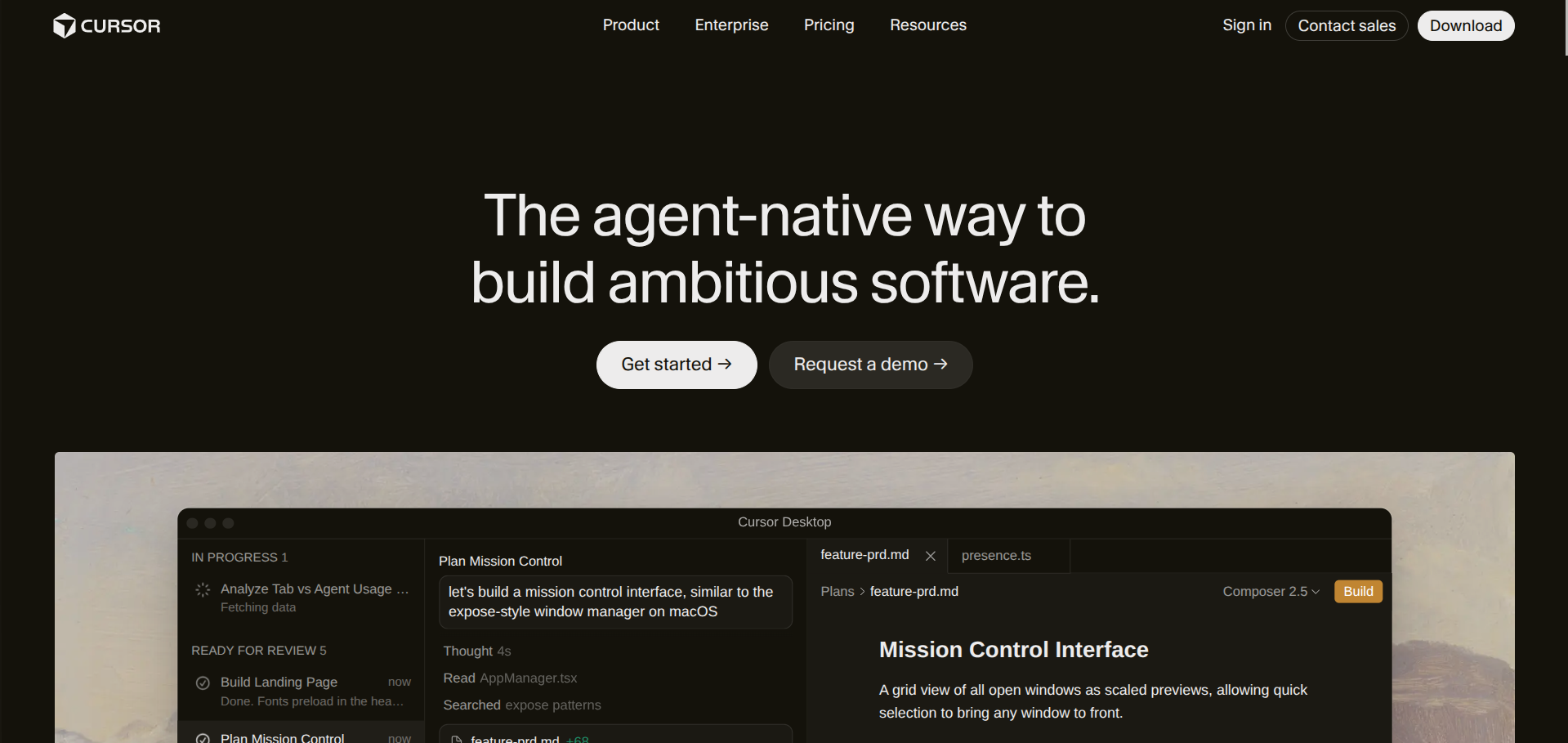
Cursor took the boring-but-correct path: fork VS Code, rebuild it around AI-first interactions, and ship faster than anyone else in the space. The result is the editor most serious developers we know defaulted to in 2025 and haven’t switched away from.
Who it’s for
Working developers who already know VS Code and want AI assistance that actually understands the project they’re in. Solo founders shipping product, small engineering teams, anyone who finds GitHub Copilot too passive.
If you’re a non-coding founder, Cursor is overkill. Look at Lovable, Replit, or v0 instead.
What it actually does well
The Composer feature is the headline. You describe a change, Cursor identifies the files involved, makes the edits across all of them, and shows you a diff to accept or reject. For refactors, feature scaffolding, and bug fixes touching multiple files, this is dramatically faster than instructing an inline copilot one suggestion at a time.
Codebase indexing is the second pillar. Cursor maintains an embedding of your repo so when you ask it to “use the same auth pattern we use in the dashboard,” it can. Tools that don’t index suffer here.
Where it gets awkward
Memory usage on large monorepos can get aggressive. Privacy mode (which prevents your code from being used for training) disables some features, which is an awkward trade-off for teams in regulated industries. And the per-seat pricing adds up at team scale, especially if you’re already paying for Copilot via GitHub.
How it compares
Versus Windsurf: closer call than the partisans on either side admit. Both are forks of VS Code with strong AI integration. Cursor has a slight edge on raw speed and Composer polish, Windsurf has a cleaner default UX. Pick one and commit.
Versus Claude Code: different tools. Cursor is an editor, Claude Code is a terminal-native agent. Many developers run both.
What we like
- Native AI integration, not bolted-on
- Composer mode for multi-file edits
- Familiar VS Code shortcuts and extensions
- Strong codebase context handling
What to watch
- Pro tier required for serious daily use
- Heavy memory usage on large repos
- Privacy mode disables some features
Try Cursor
From $20/mo · Free tier available · 14-day trial.
Visit Cursor →