Blur Background
Blur or remove photo backgrounds online for clean, focused, privacy-friendly visuals.
A free, no-signup background blur tool that processes photos locally in the browser rather than uploading them, with a paid AI mode for tougher edges.
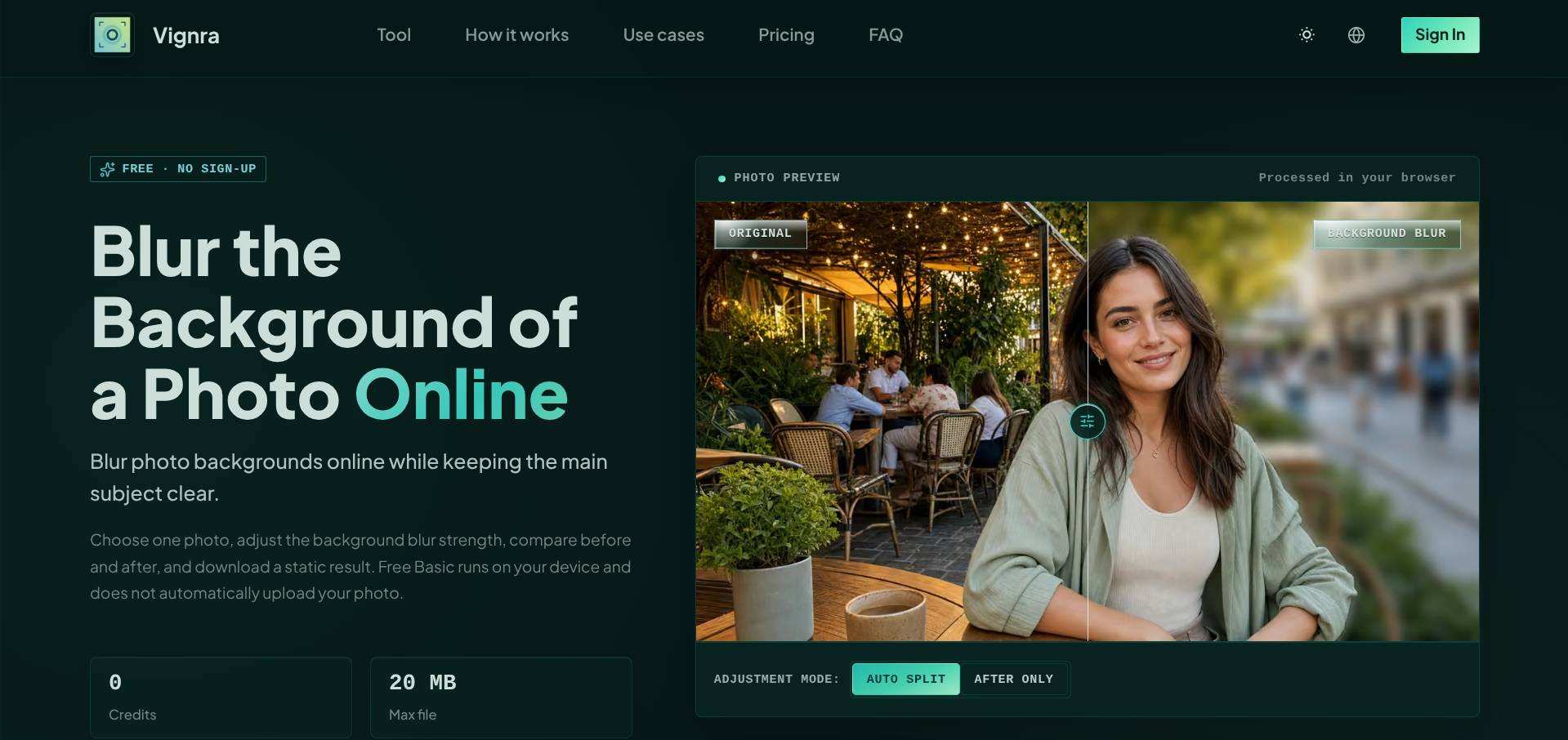
Blur Background is a single-purpose browser tool for cleaning up photo backgrounds. Drop in a JPEG, PNG, WebP, or HEIC file, and the free Basic mode processes it locally in your browser, no account and no automatic upload, to blur the background while keeping the subject sharp. An adjustable strength slider and before/after comparison make it easy to dial in a natural-looking result for portraits, product shots, and social graphics.
For trickier images, an optional Advanced Bokeh mode uses AI for more refined results, though your photo is only uploaded after you confirm and the credit cost is shown upfront. The tool is honest about where it struggles, fine hair, glass, transparency, and low-contrast edges can all leave rough boundaries, and it’s explicit that background blur isn’t a substitute for real redaction if you’re trying to hide a face or license plate.
It’s a narrow tool by design. If you need layer-based compositing or full manual masking, this isn’t built for that, but for a quick, private background cleanup it does the job without asking for a signup.
What we like
- Free Basic mode runs locally, no account or upload required
- Handles both blur and removal in one focused workflow
- Upfront about where auto-blur struggles, hair, glass, low contrast edges
What to watch
- Not suited to layer-based compositing or manual masking
- Not reliable for redacting faces, plates, or sensitive text
Try Blur Background
Free.
Visit Blur Background →