8ma Quick Transfer
Free large-file transfers between computers and phones, no account or installation.
Open the site on two devices on the same Wi-Fi and send files directly, up to 100GB in Chrome or Edge, with no upload to a server and no account required.
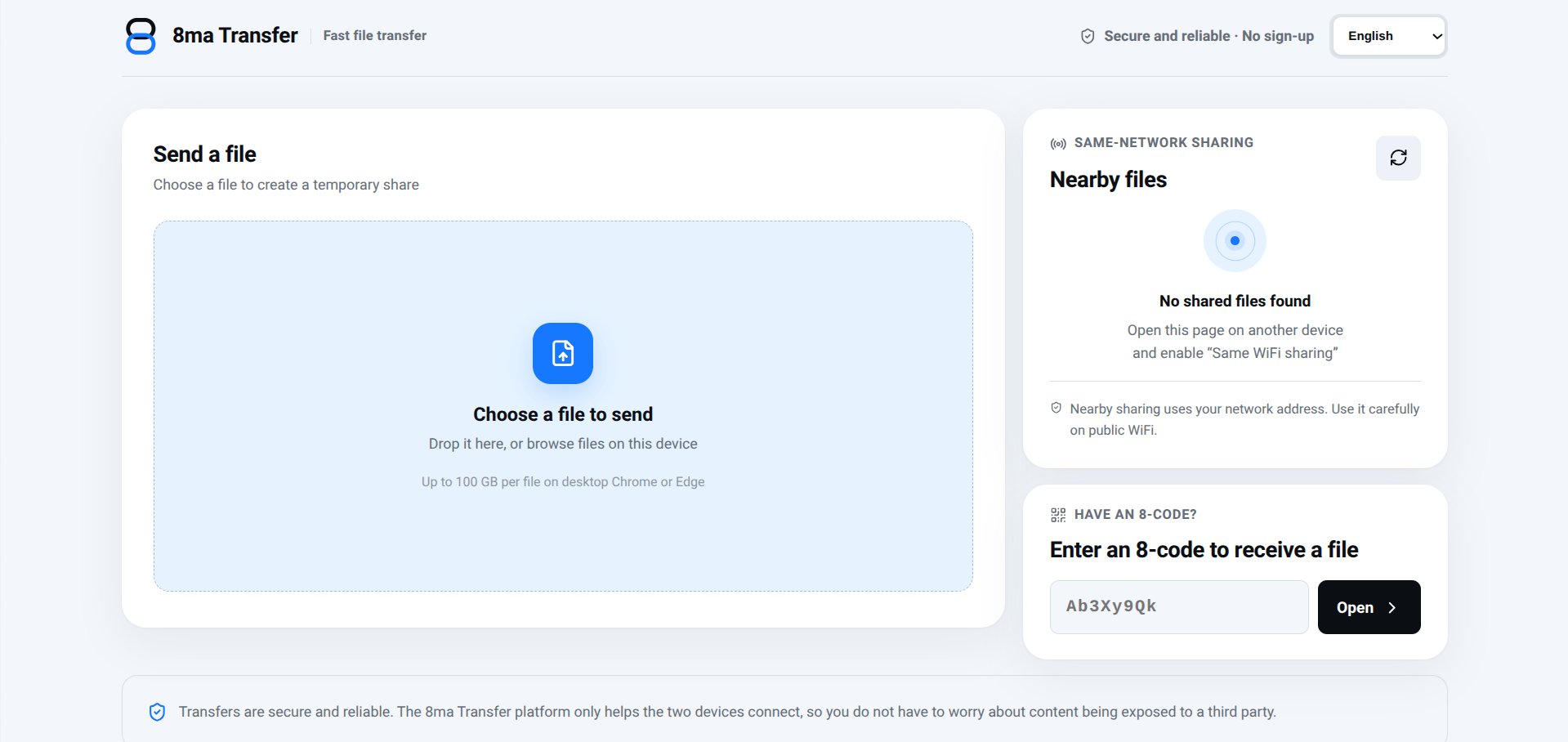
8ma Quick Transfer moves large files between a computer and a phone without an account, an app, or a cloud upload step. On the same Wi-Fi, both devices just need the page open to send files directly to each other; across networks, a link, QR code, or 8-character pickup code handles the connection instead.
The transfer uses whatever bandwidth is available rather than throttling, and desktop Chrome or Edge support single files up to 100GB. If a transfer gets interrupted, it can resume rather than starting over, which matters more the larger the file is.
It’s built for one job: getting a file from one device to another right now, not for keeping a copy anywhere. The site is available in English, Chinese, Spanish, Arabic, Hindi, French, Japanese, and Korean, with automatic language detection based on your browser.
What we like
- No account, install, or app required, just open the page
- Transfers happen directly between devices, no cloud copy kept
- Interrupted transfers can resume instead of restarting
What to watch
- Not for permanent file storage, files aren't kept after transfer
- Both devices need to stay online with the page open during transfer
Try 8ma Quick Transfer
Free.
Visit 8ma Quick Transfer →