Gamma
AI-generated presentations, documents, and websites in seconds
The fastest way to go from rough idea to polished deck. Type a prompt, get a presentation in 60 seconds. PowerPoint export still has rough edges.
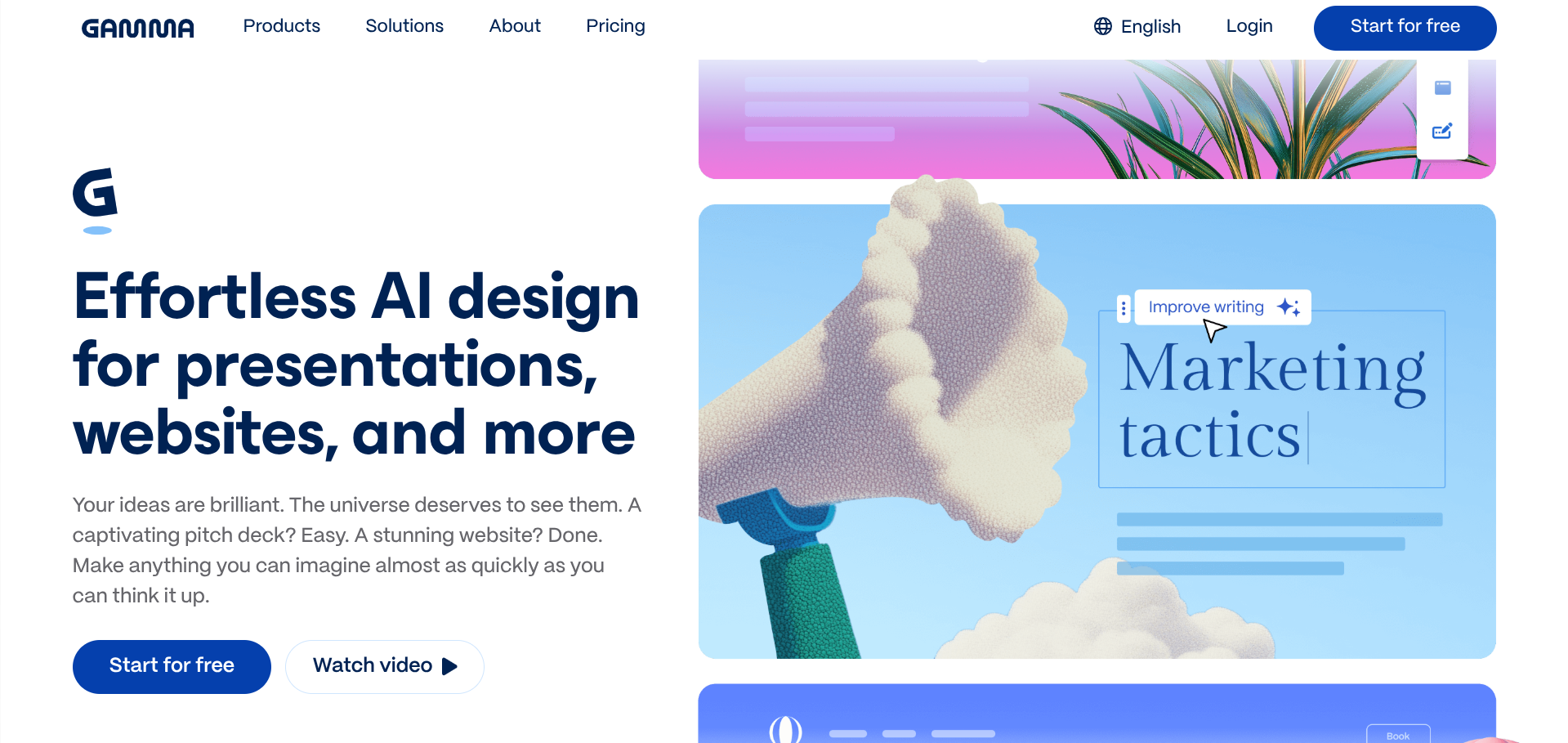
Gamma is what happens when AI-first design meets the presentation category. Instead of opening PowerPoint and dragging shapes around for an hour, you type a prompt and get a full deck back in under a minute. For internal updates, brainstorms, and first drafts, the speed is genuinely transformative.
Who it’s for
Founders putting together investor updates, internal team decks, course outlines, or any presentation where speed-to-draft matters more than pixel-perfect design. Sales teams building prospect-specific decks at volume. Anyone who’s avoided creating a presentation because of how long it takes.
If you’re making investor pitch decks where every layout decision matters, Gamma can get you 80% there but you’ll want to refine in Figma or Pitch. If your output absolutely needs to be PowerPoint with full fidelity, stick with PowerPoint.
What it actually does well
The prompt-to-deck workflow is the differentiator. Type a topic, get a structured presentation with text, images, and layouts that don’t look obviously AI-generated. With 70 million users and a $2.1B valuation, Gamma has clearly hit something other AI presentation tools haven’t.
Multi-format output matters more than it sounds. The same content can be a presentation, a scrolling document, or a webpage with a single click. For founders repurposing content across channels, this is real productivity.
The free tier (400 one-time credits, roughly 10 presentations) is generous enough to test the workflow on real work. Most founders will know within the first week whether Gamma fits how they think.
Recent additions like the Generate API, Gamma Imagine for marketing assets, and SOC 2 Type II certification have expanded the platform beyond just decks.
Where it gets awkward
Credits don’t roll over month to month. If you have a heavy presentation week in February, your March allocation doesn’t compensate. For light users this is fine; for active users it pushes you toward Pro or Ultra.
PowerPoint export quality is the persistent complaint. The card-based layouts that work elegantly in Gamma’s web view often lose their formatting when forced into traditional slides. If your audience demands .pptx files, this is a real friction.
Brand control on lower tiers is limited. The basic brand kit on Plus handles colours and a logo, but custom fonts and full brand templates require Pro. Enterprise teams that need locked brand templates will find the controls thinner than Figma or PowerPoint.
How it compares
Versus Beautiful.ai: similar AI presentation positioning. Gamma is faster and more flexible across formats. Beautiful.ai has tighter design templates.
Versus Tome: Tome leaned harder into AI-native storytelling but the format is more rigid. Gamma is more practical for everyday business use.
Versus PowerPoint with Copilot: Microsoft’s AI is improving but still feels bolted on. Gamma was built around AI from the start, and it shows.
What we like
- Genuinely 60 seconds from prompt to usable deck
- Multi-format output (slides, docs, websites) from same content
- Card-based layout adapts elegantly across screen sizes
- 400-credit free tier covers about 10 full presentations
What to watch
- Credits don't roll over month to month on most plans
- PowerPoint exports lose layout fidelity
- Free plan watermarks make it unsuitable for client work
- Less brand control than dedicated design tools
Try Gamma
From $8/mo · Free tier available.
Visit Gamma →