ChatShell
Export ChatGPT conversations to polished PDF, DOCX, Markdown, and JSON files locally in your browser.
A genuinely local-first way to turn ChatGPT threads into archives you can actually read later, math and code intact.
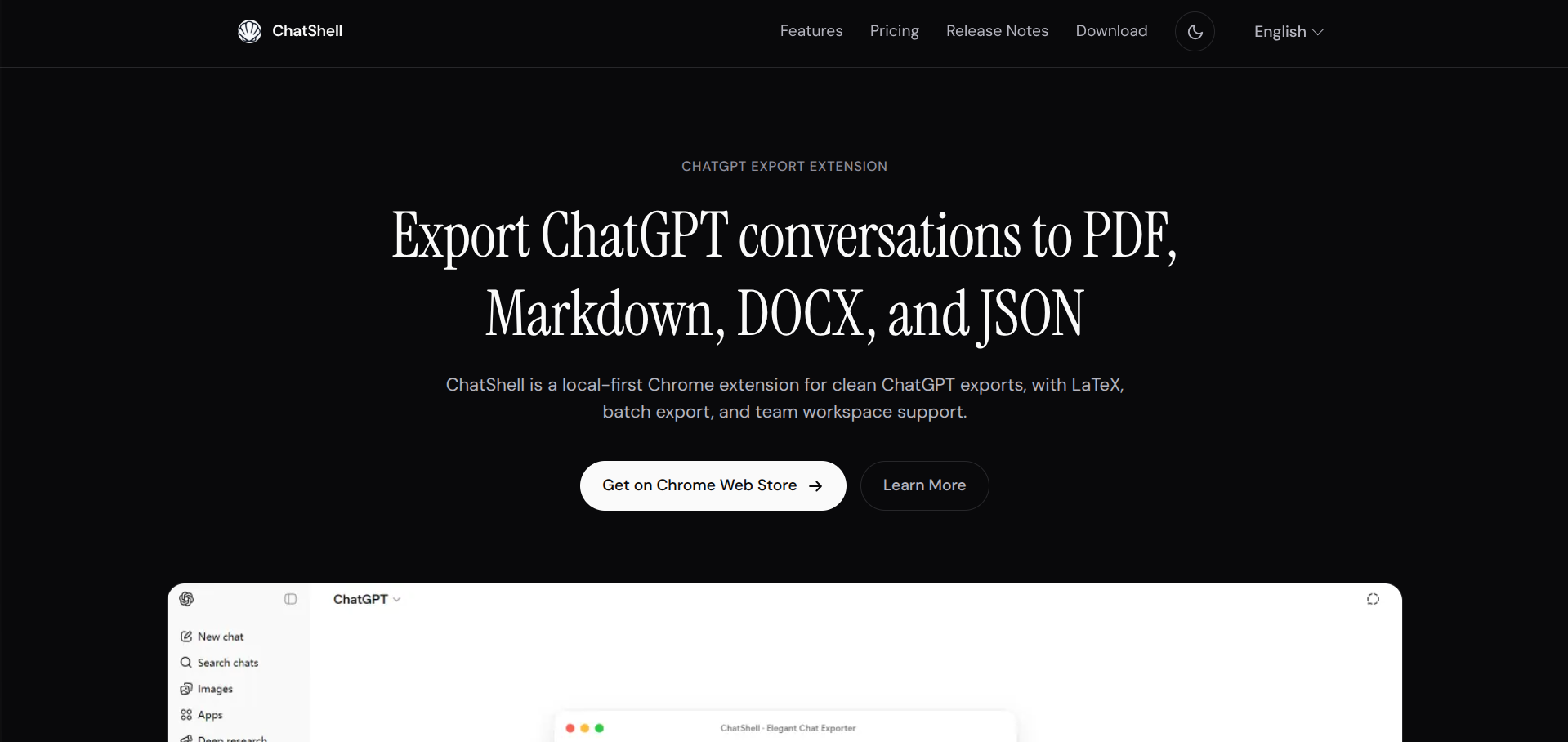
ChatShell is a Chrome extension built for one job: getting your ChatGPT conversations out of the browser tab and into a format you can actually keep. It runs entirely local-first, so conversation content never leaves your machine, and it covers the four formats most founders actually need for backups, documentation, or client handoffs.
Who it’s for
Developers, researchers, writers, and teams who treat ChatGPT threads as working documents worth preserving. If you’ve ever lost a useful conversation to a cleared cache or wanted to hand a client a clean writeup instead of a screenshot, this solves that problem directly.
It’s not built for people who want cloud sync, AI summarization, or a standalone app outside the browser. This is a Chromium extension, full stop, and the free tier caps out fast if you’re exporting regularly.
What it actually does well
The local-first approach is the real differentiator. No backend, no third-party analytics riding along, and the extension only asks for storage permissions to save preferences and license info. For anyone cautious about where their conversation data ends up, that’s not a small detail.
LaTeX math exporting as editable Word equations rather than flattened screenshots is a genuinely useful touch for anyone doing technical or academic work. Code blocks and tables hold their structure across all four export formats, which is where a lot of competing export tools fall apart.
Batch export and Team Workspace support on the Pro tier extend this from a one-off utility into something closer to an archival workflow, useful if you’re managing exports across a team rather than just pulling your own chats.
Where it gets awkward
The free tier is workable for occasional use but tight: three PDF exports and five others per month, with a watermark attached. If you’re exporting regularly, you’ll hit the Standard or Pro tier fast, and pricing there is straightforward but adds up if you’re doing this at scale.
It’s also scoped tightly to ChatGPT on Chromium browsers. If your workflow spans multiple AI tools or you’re not on Chrome, Edge, Brave, or Arc, this isn’t going to help.
How it compares
Against generic ChatGPT exporter extensions, ChatShell’s edge is format range and fidelity. Math and code survive the export intact rather than degrading into images or plain text, and the DOCX output is genuinely editable rather than a rough approximation.
The tradeoff is scope. This does one platform and one job well rather than trying to be a universal AI chat archiver. If ChatGPT is where your work actually happens, that focus is a feature, not a limitation.
What we like
- Local-first export keeps conversation content in the browser
- LaTeX math preserved as editable Word equations instead of screenshots
- PDF, DOCX, Markdown, and JSON exports keep code blocks and tables intact
- Batch export and Team Workspace support cover serious archival workflows
What to watch
- No cloud sync, AI summarization, or native desktop and mobile apps
- Currently limited to ChatGPT in Chromium browsers
- Free plan capped on monthly exports, batch and team features need Pro
Try ChatShell
Free · Free tier available.
Visit ChatShell →